How to Add a Book Now Button to Instagram, Facebook and Google
Most new clients find a salon in one of three places: Google, Instagram or Facebook. If they have to send a DM and wait for a reply to book, many won't bother — they'll book with the salon down the road that has a "Book" button.
This guide shows how to put your online booking link everywhere clients already look, step by step. It takes about 15 minutes and works with any salon booking system that gives you a booking link.
Before you start: get your booking link
You need one web address that opens your booking page — services, staff, prices and available times. Every Ukilu shop has one — search for your salon on our booking link guide to copy it, or ask our team.
Check the link on your own phone first: open it, pick a service and go as far as choosing a time. If it's easy for you, it'll be easy for clients.
1. Google Business Profile
Your Google Business Profile is the panel that appears when someone searches your salon's name or "nail salon near me" on Google Search and Maps. It's often the first thing a new client sees, so it's the most important place for your booking link.
- Search for your salon on Google while signed in to the account that manages the profile.
- Choose Edit profile.
- Find the booking or appointment link section (Google calls it Bookings or Appointment links, depending on your profile).
- Paste your booking link and save.
Google may take a little while to show the change. While you're there, make sure your opening hours, phone number and photos are up to date — a complete profile gets more clicks.
2. Instagram
For many nail and lash salons, Instagram is the shop window. Put the booking link where people look when they're ready to book:
- Open your profile and tap Edit profile.
- Tap Links → Add external link.
- Paste your booking link and give it a clear title, such as Book online.
- Save, then check the link appears under your bio.
Instagram also has action buttons, but these only list approved booking partners, so the link in your bio is the reliable option for most salons. Mention it in captions and stories: "Book through the link in our bio" works far better than "DM to book".
Tip: add the link as a sticker on a story whenever you post new nail art or open last-minute slots, then save it to a highlight called Book.
3. Facebook Page
- Open your Facebook Page as an admin.
- Find the action button under your cover photo and choose to add or edit it.
- Pick a booking button such as Book now, and choose to link it to a website.
- Paste your booking link and save.
Facebook renames these menus from time to time, but the idea stays the same: one button, linked to your booking page.
4. Your website
If you have a website, add a Book now button to the top menu of every page and link it to your booking page. Don't hide it on a contact page — the button should be visible without scrolling, especially on mobile.
5. Everywhere else
- QR code at the desk: print a QR code of your booking link so clients can rebook their next fill before they leave.
- Email signature and receipts: add "Book your next visit" with the link.
- Google reviews replies: when you thank a client for a review, it's a natural place to mention online booking.
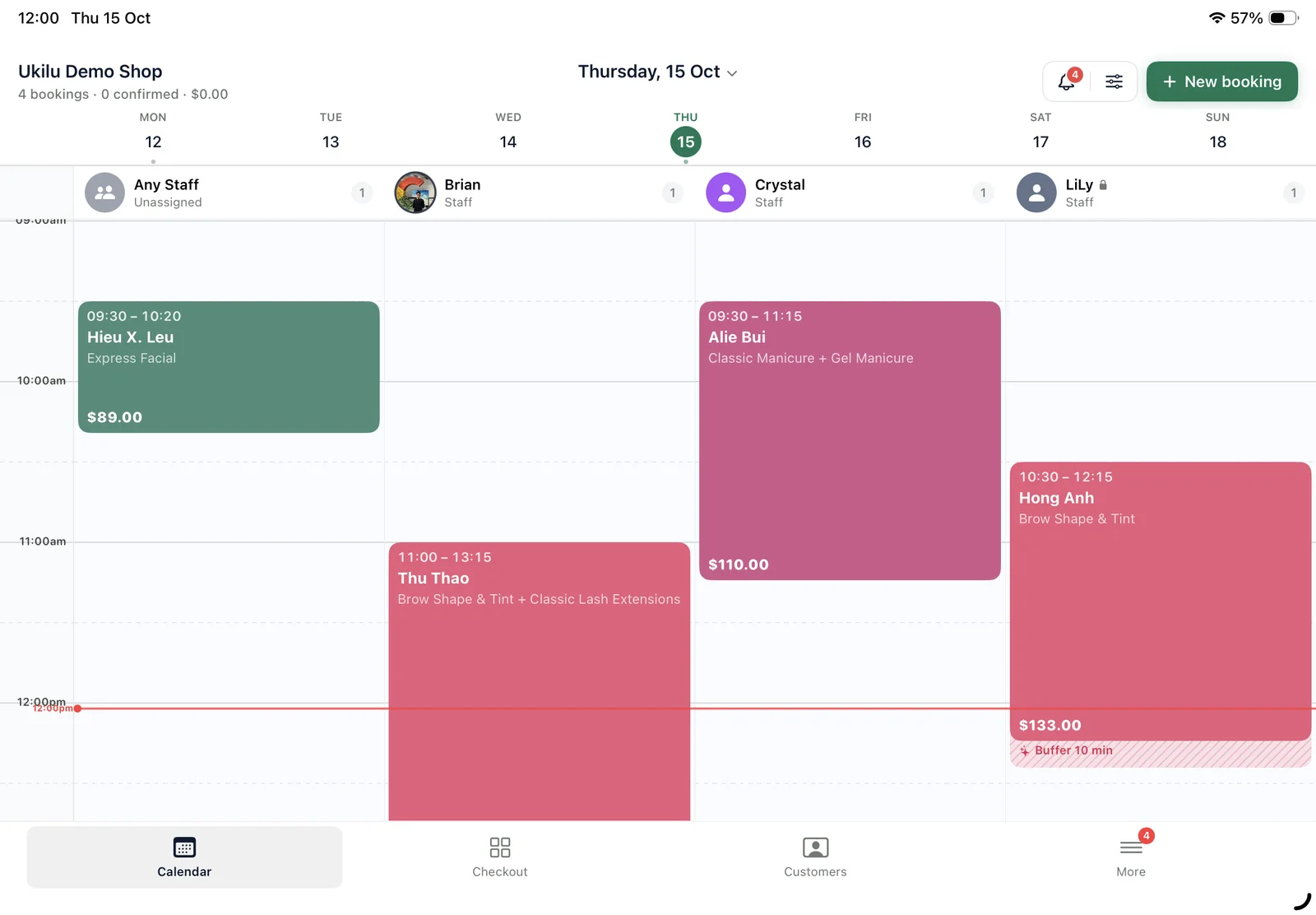
Make sure the booking page converts
A button only helps if the page behind it is easy to use. Check that:
- Service names are clear — "Gel manicure" beats "GM01".
- Prices and durations are shown.
- Clients can choose a technician, or pick "any staff".
- Only real availability is offered, so nobody books a time you can't honour.
- Confirmations and reminders go out automatically.
Our online booking system page explains how Ukilu handles each of these.
Quick checklist
- Booking link tested on your phone
- Google Business Profile booking link added
- Instagram link in bio, titled "Book online"
- Facebook action button linked to your booking page
- "Book now" button on every page of your website
- QR code at the front desk
Using Ukilu? Find and copy your link on the booking link guide. Not using Ukilu yet? See how the booking app works.