Accepting PayID and Bank Transfers at Your Nail Salon
Card is still how most clients pay at a nail salon. But more and more people are happy to pay by bank transfer — especially with PayID, where they send money to a phone number, email or ABN instead of typing a BSB and account number. For bigger amounts like gift vouchers, packages or bridal parties, it can make a lot of sense.
Here's how to accept PayID and bank transfers at your salon without losing track of who has paid.
What is PayID?
PayID is an easy-to-remember identifier — usually a mobile number, email address or ABN — linked to a bank account. Most Australian banks let you create one for your business account in internet banking. Clients send money to that PayID from their own banking app, and payments between participating banks generally arrive quickly.
Ask your bank how to set up a PayID for your business account, and which identifier (ABN, email or phone) suits you best.
When transfers make sense in a salon
- Gift vouchers bought in advance, especially larger amounts.
- Packages and courses, such as a series of treatments paid up front.
- Group bookings — bridal parties, events, school formal groups.
- Regular clients who prefer to pay from their banking app.
For everyday services, card is usually faster at the desk. Offer transfers as an option, not a requirement.
The risk: transfers you can't match
The main problem with transfers isn't the money — it's the record keeping. A client says "I've sent it", the desk marks the sale as paid, and two weeks later nobody can find the payment in the bank account. To avoid that:
- Show your PayID clearly at the counter, ideally on the customer-facing screen, so clients don't send money to the wrong place.
- Ask for a reference — the client's name or the sale number.
- Record the transfer as its own payment type in your POS, not as cash or card.
- Mark it received once you've seen it in the bank account.
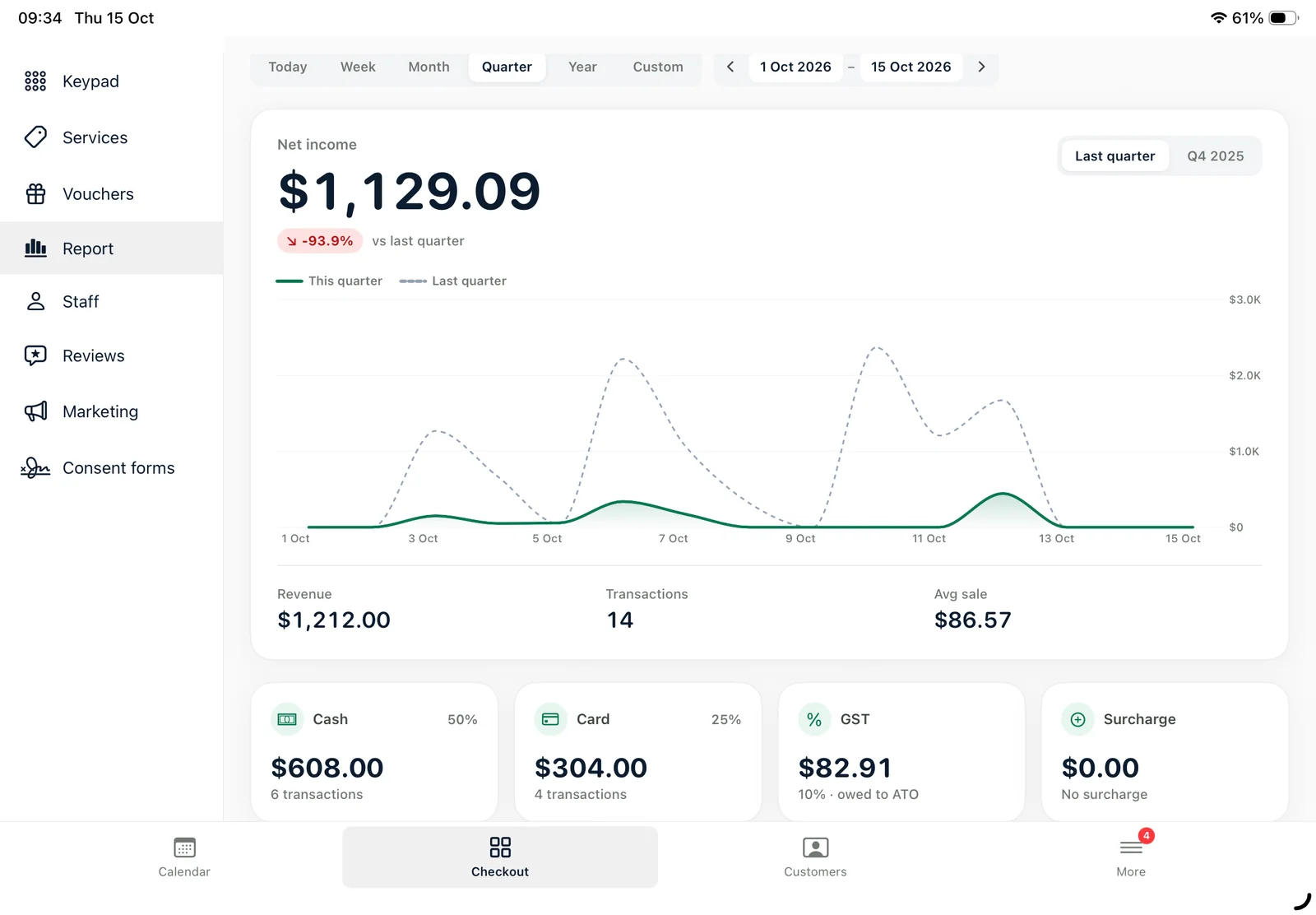
- Reconcile weekly: compare transfer sales in your reports with the bank statement.
Be careful with payment scams
Scammers sometimes fake a "payment sent" screenshot. Don't release a gift voucher or treat a large sale as paid until the money is actually in your account. And never change your PayID or account details because of an email or message — confirm with your bank directly.
Splitting payments
Some clients want to pay part by card and part by transfer or voucher. Make sure your POS can split a bill across payment types, so each part is recorded correctly and your end-of-day totals match.
PayID and transfers in Ukilu
In Ukilu, Transfer is a payment type at checkout. Your PayID can be shown on the customer display, transfers appear separately in reports, and you can mark them as received once they land. Bills can be split across card, cash, voucher and transfer. See the salon POS system for more, or read about the card surcharge ban and what it means for your counter.